Zigbee Smart Locks for deCONZ
8 Zigbee smart locks confirmed compatible with deCONZ. Each smart lock also shows every other platform it supports.
Yale 3
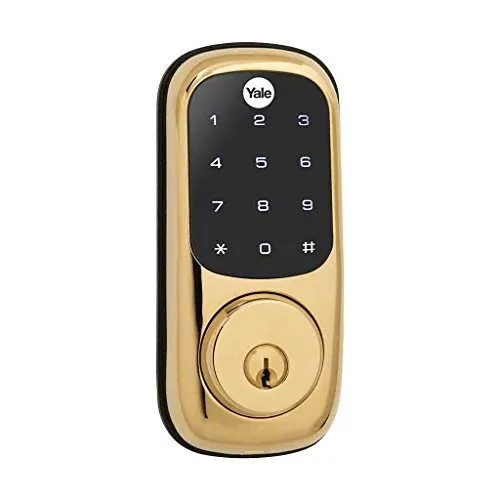 Yale YRD220Real Living™ Touchscreen Deadbolt LockZHA (Home Assistant)Zigbee2MQTTdeCONZ✓ Works with 3 platforms
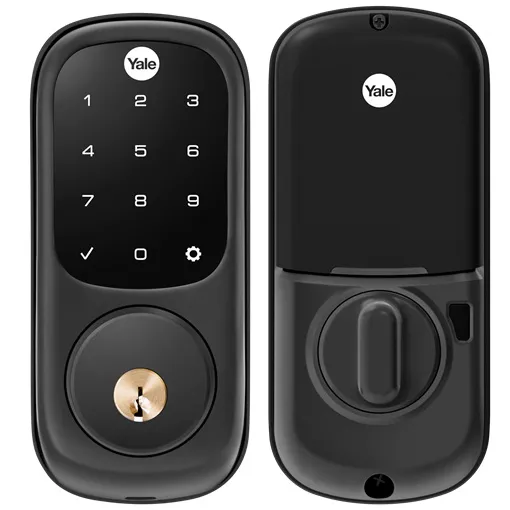 Yale YRD226Assure Lock Touchscreen DeadboltZHA (Home Assistant)Zigbee2MQTTdeCONZ✓ Works with 3 platforms
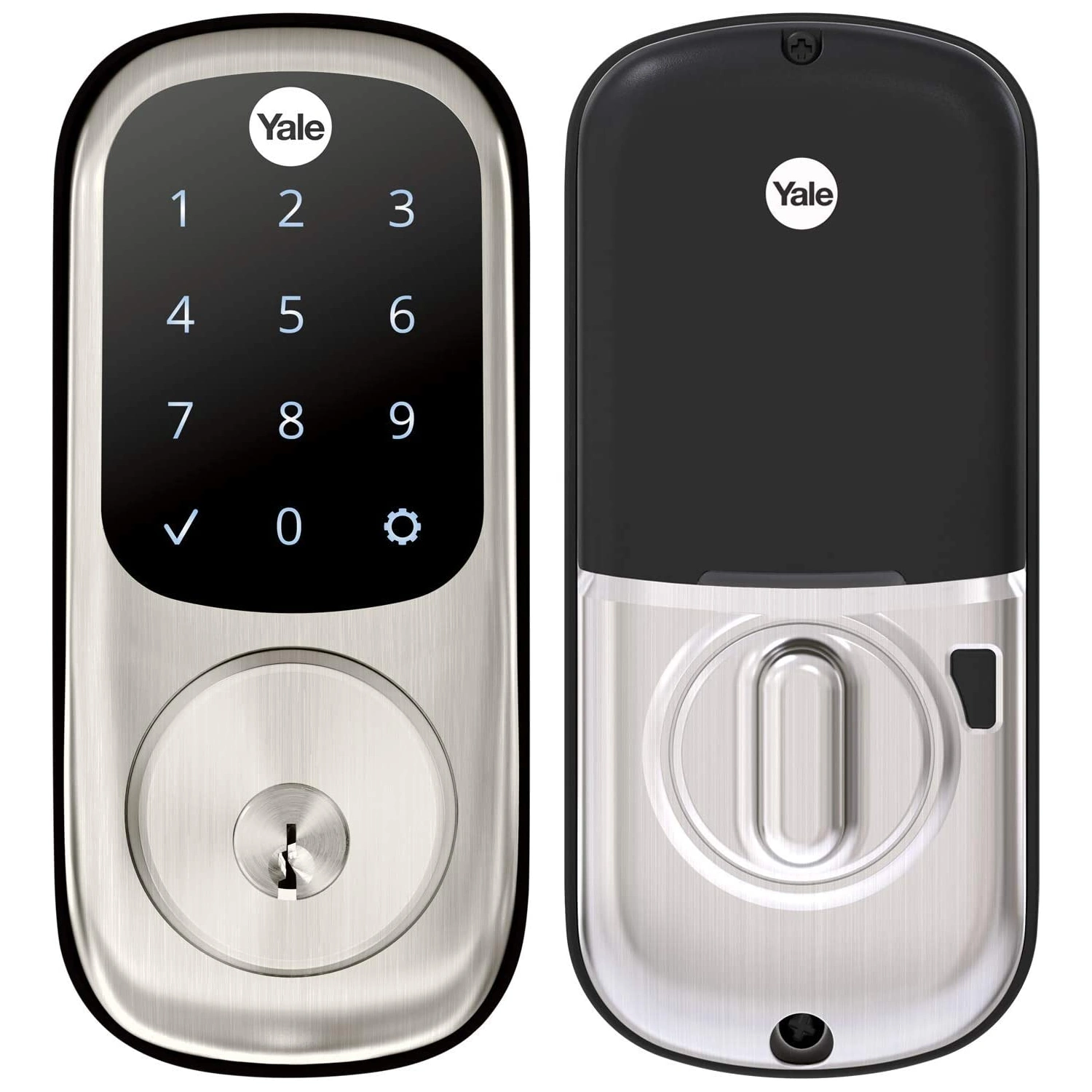 Yale YRD226NRAssure Lock KeyedZHA (Home Assistant)Zigbee2MQTTdeCONZ✓ Works with 3 platforms
Danalock 2
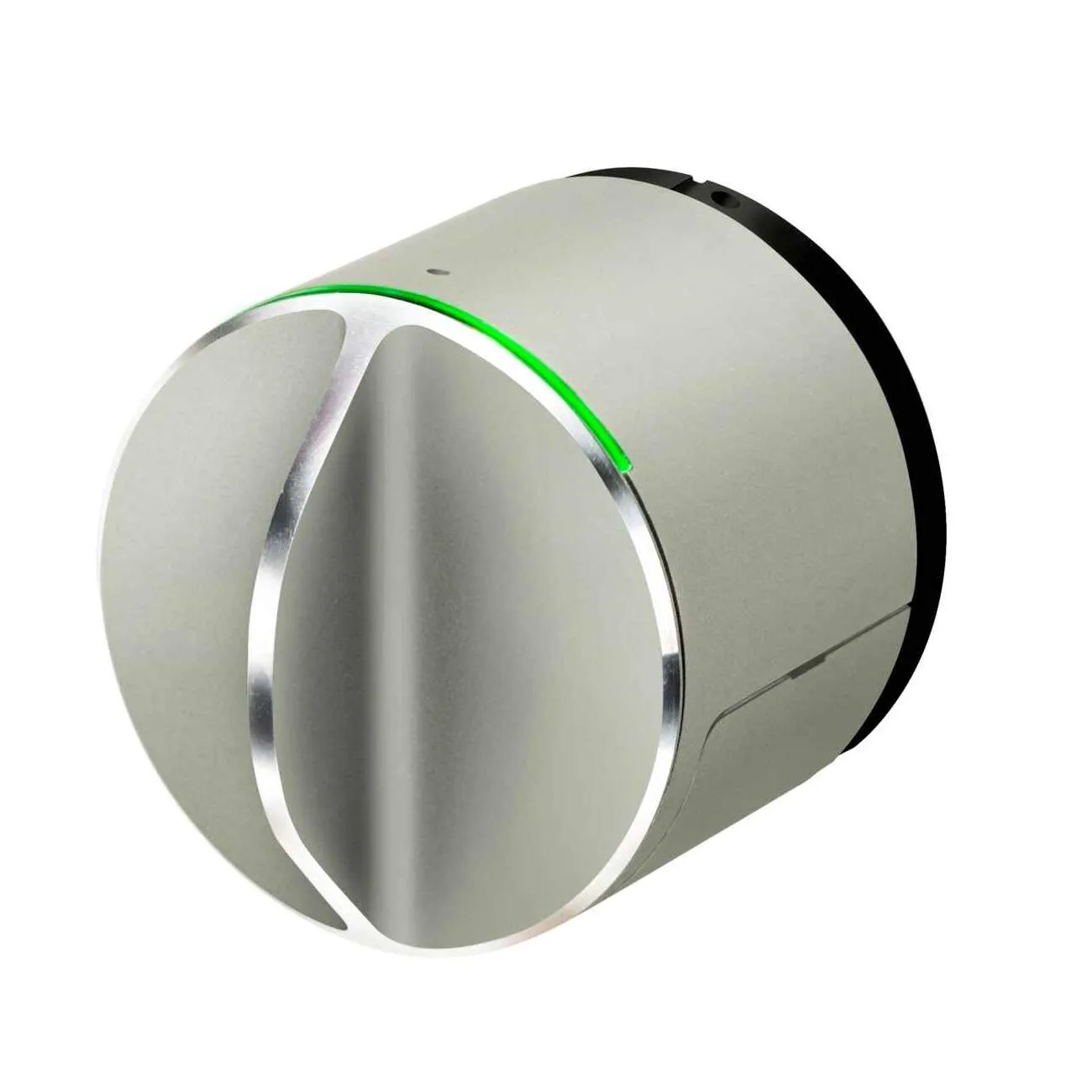 Danalock V3-BTZBV3 Smart LockZHA (Home Assistant)Zigbee2MQTTdeCONZ+2✓ Works with 5 platforms
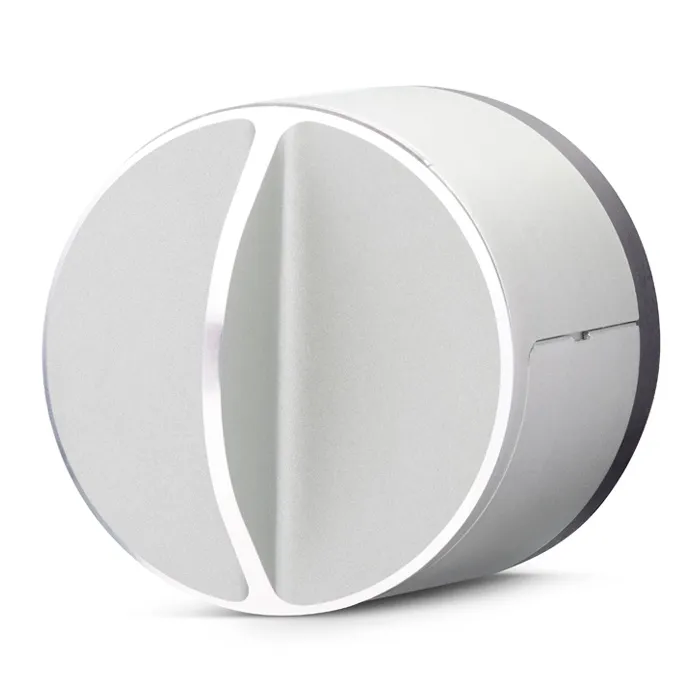 Danalock V3-BTZBEV3 Smart LockZHA (Home Assistant)Zigbee2MQTTdeCONZ✓ Works with 3 platforms
Datek 1
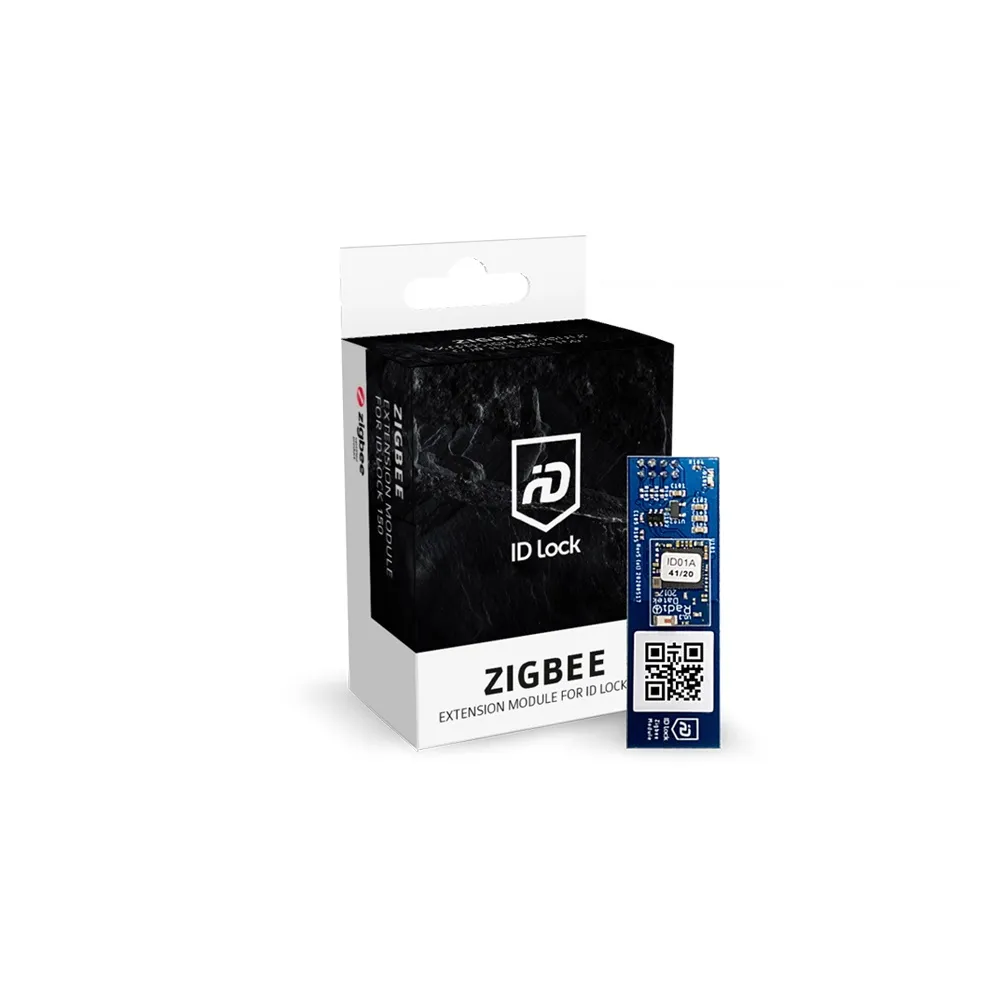
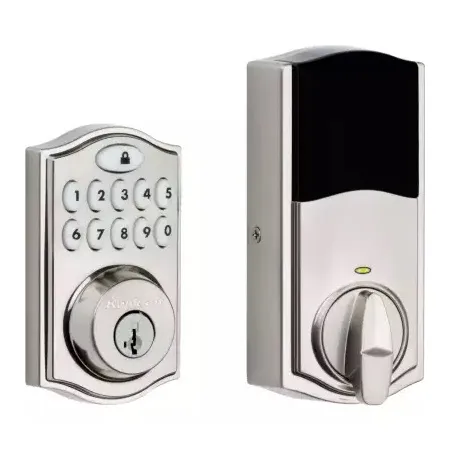
Kwikset 1
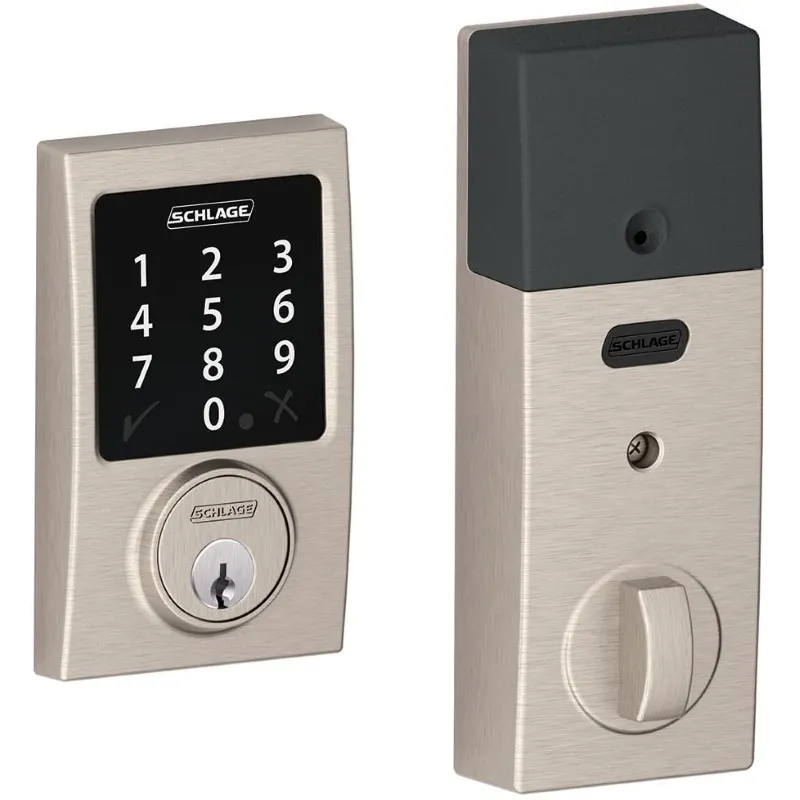
Schlage 1
Frequently asked questions
How many Zigbee smart locks work with deCONZ?
We list 8 Zigbee smart locks confirmed compatible with deCONZ. Each one also shows every other platform it supports.
Can I use any Zigbee smart lock with deCONZ?
Not every smart lock is supported — it depends on whether deCONZ (or the underlying bridge) has a device handler for it. The list above is limited to smart locks confirmed to work with deCONZ.
What do I need to run a Zigbee smart lock on deCONZ?
You need a Zigbee coordinator (USB stick) connected to deCONZ. Once the coordinator is set up, you pair the smart lock and it's controllable from deCONZ.